VertShade
A downloadable game
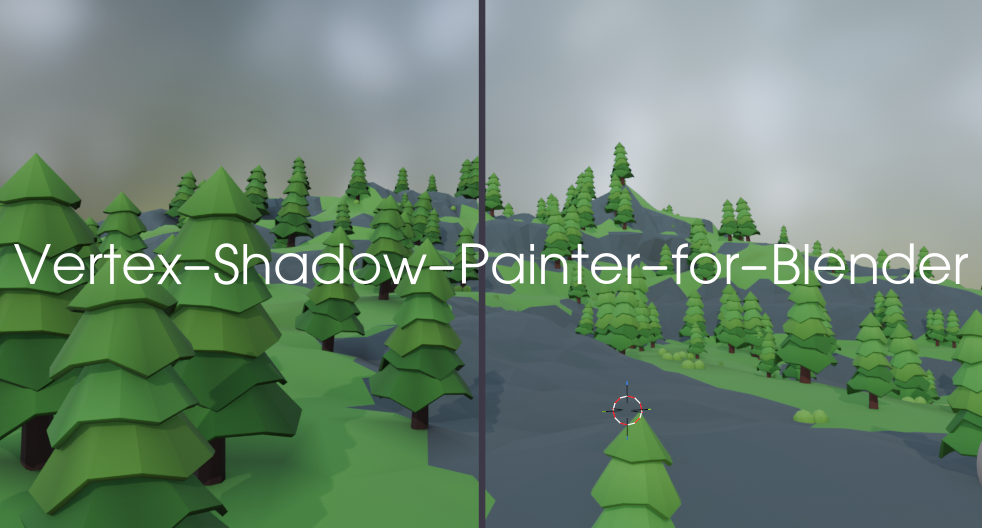
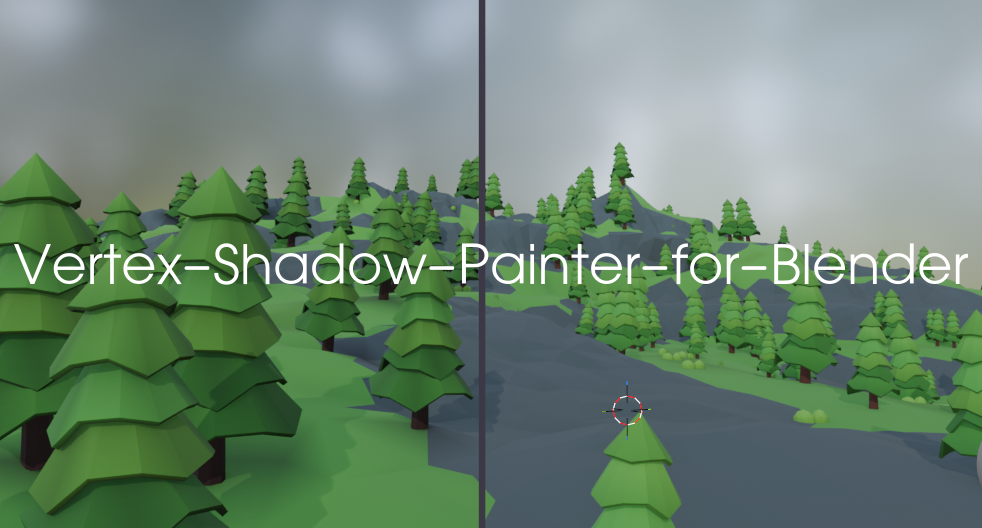
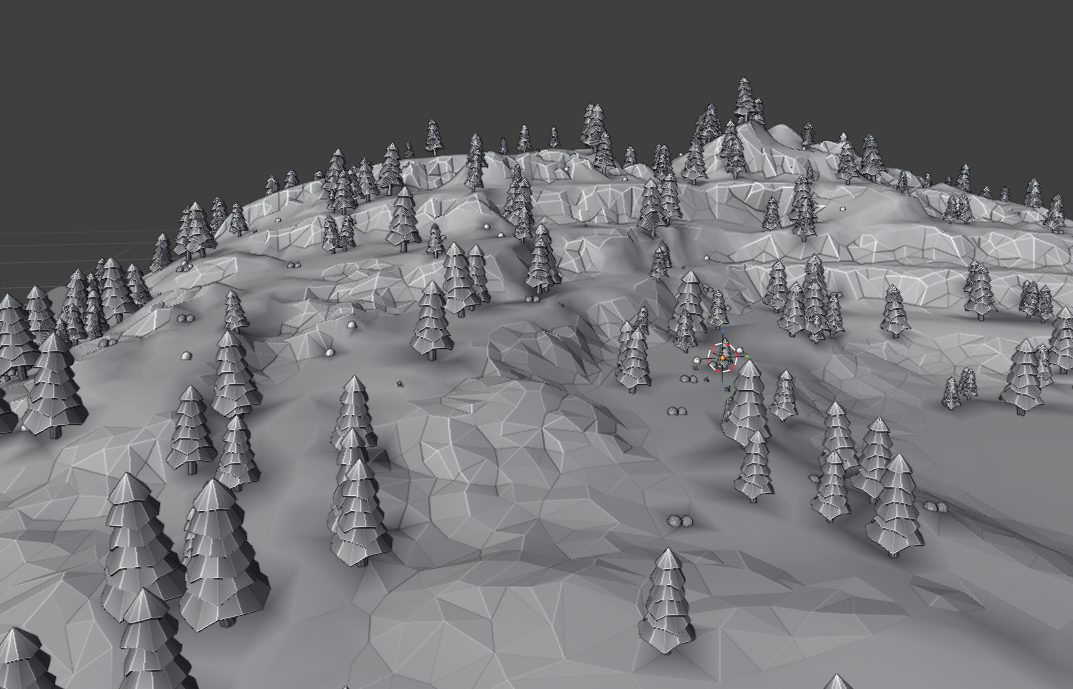
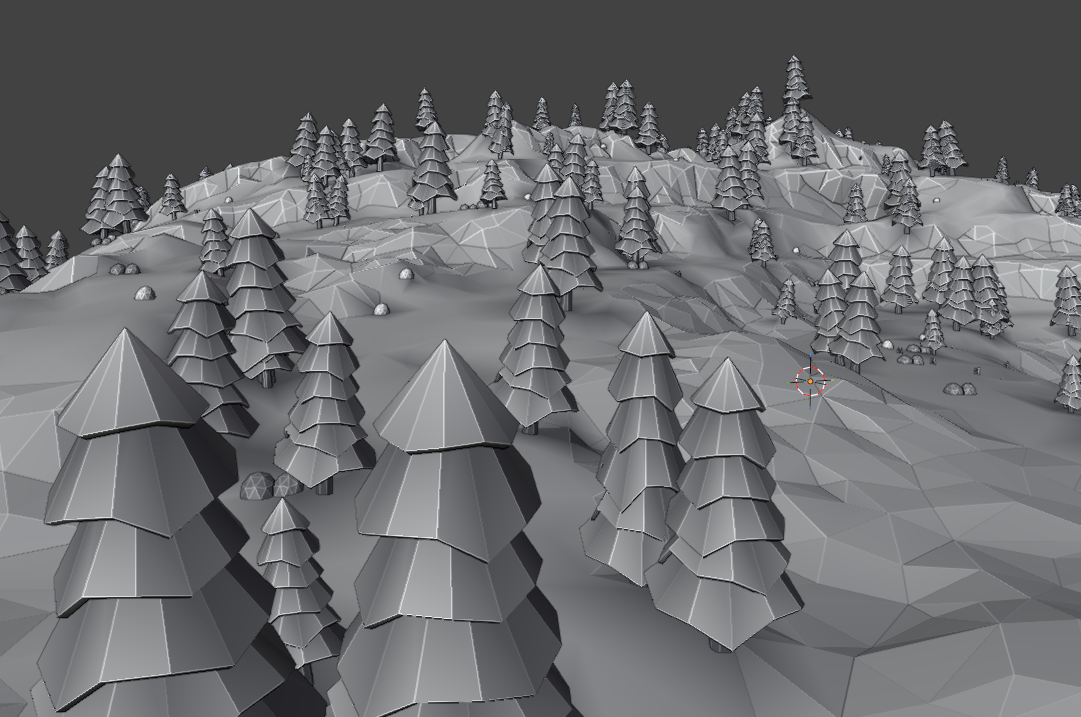
Stop wasting texture memory and draw calls on complex lightmaps. VertShade is a Blender add-on that calculates raycasted occlusion, surface falloff, and ambient occlusion, then paints the result directly into your mesh's Color Attributes / Vertex Colors.
Get update check out our site Our Site
Key Features
- Direct Raycast Shadows: Cast crisp directional occlusion shadows from roofs, cliffs, overhangs, and props onto your geometry.
- Terminator Shading ($N \cdot L$): Smoothly darken backfaces facing away from the light source with customizable curve models:
- Lambert (classic, sharp transition)
- Half-Lambert (soft, anime/stylized wrap)
- SmoothStep (punchy graphic contrast)
- Contact Ambient Occlusion (AO): Cast hemispherical rays around each vertex normal to darken crevices, joints, and ground-contact points.
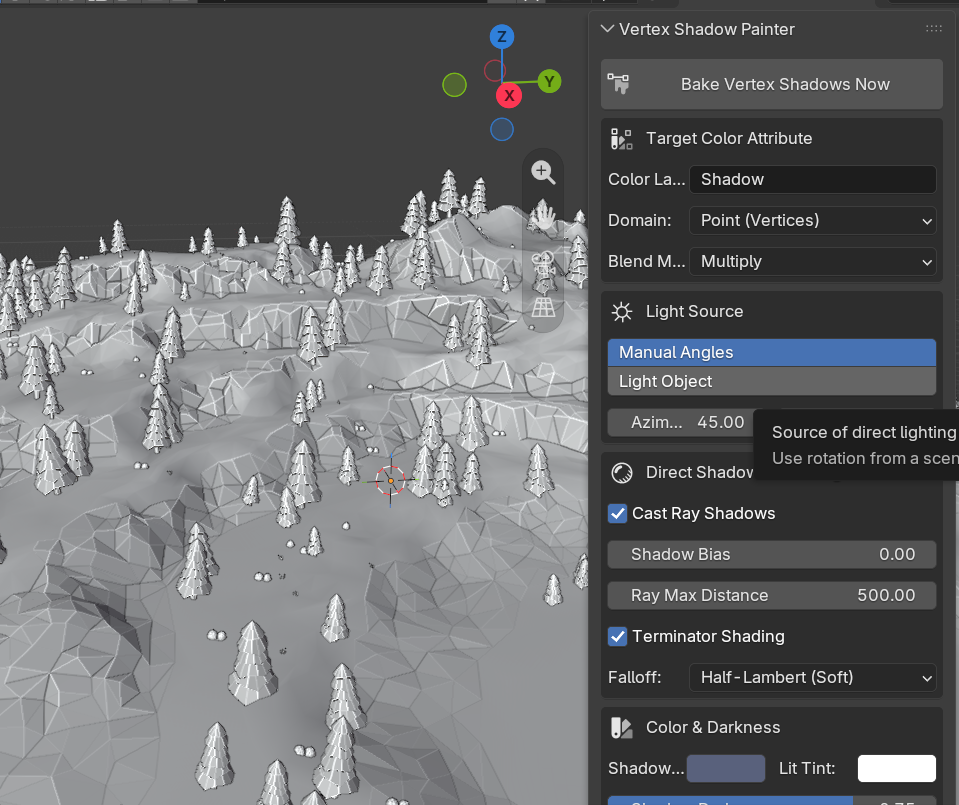
- Flexible Light Targeting: Pick an existing Sun/Light object in your scene or dial in custom Azimuth and Elevation angles manually.
- Art-Friendly Blending:
- Multiply: Darken existing hand-painted vertex colors without overwriting underlying artwork.
- Replace: Freshly overwrite the active color attribute.
- Darken Only: Keep whichever value is darker between current colors and the computed shadow.
- Custom Shadow Tint: Ditch flat black shadows—inject slate blues, deep purples, or warm ambient tones directly into your mesh.
Why Vertex Lighting?
| Traditional Lightmaps | Vertex Shadow Painter |
| Requires clean UV unwrapping | Zero UV unwrapping required |
| Consumes texture VRAM | Zero additional texture memory |
| Prone to seam bleeding & resolution limits | Tied cleanly to mesh density |
| Adds extra texture draw calls / sampling | Runs entirely on unlit/vertex shaders |
Quick Start Guide
- Select your target mesh(es) in the 3D Viewport.
- Press N to expand the sidebar and click the Vertex Shadow tab.
- Choose your light source: pick an active Scene Light or adjust Manual Angles.
- Enable your desired passes (Direct Shadow, Terminator, and/or Ambient Occlusion).
- Set your blend mode, darkness, and tint.
- Click Paint / Bake Vertex Shadows.
Previewing in the Viewport
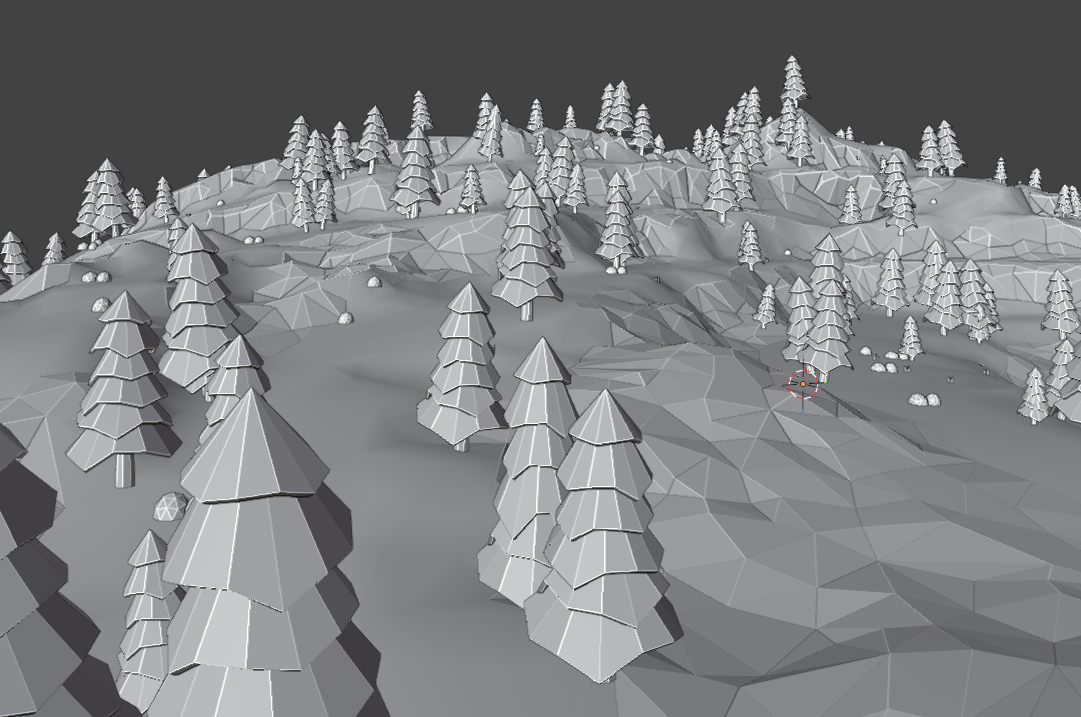
- Set your Viewport Shading mode to Solid.
- Open the Viewport Shading dropdown (top-right corner arrow).
- Under Color, select Attribute (or Vertex).
Download
Click download now to get access to the following files:
Leave a comment
Log in with itch.io to leave a comment.